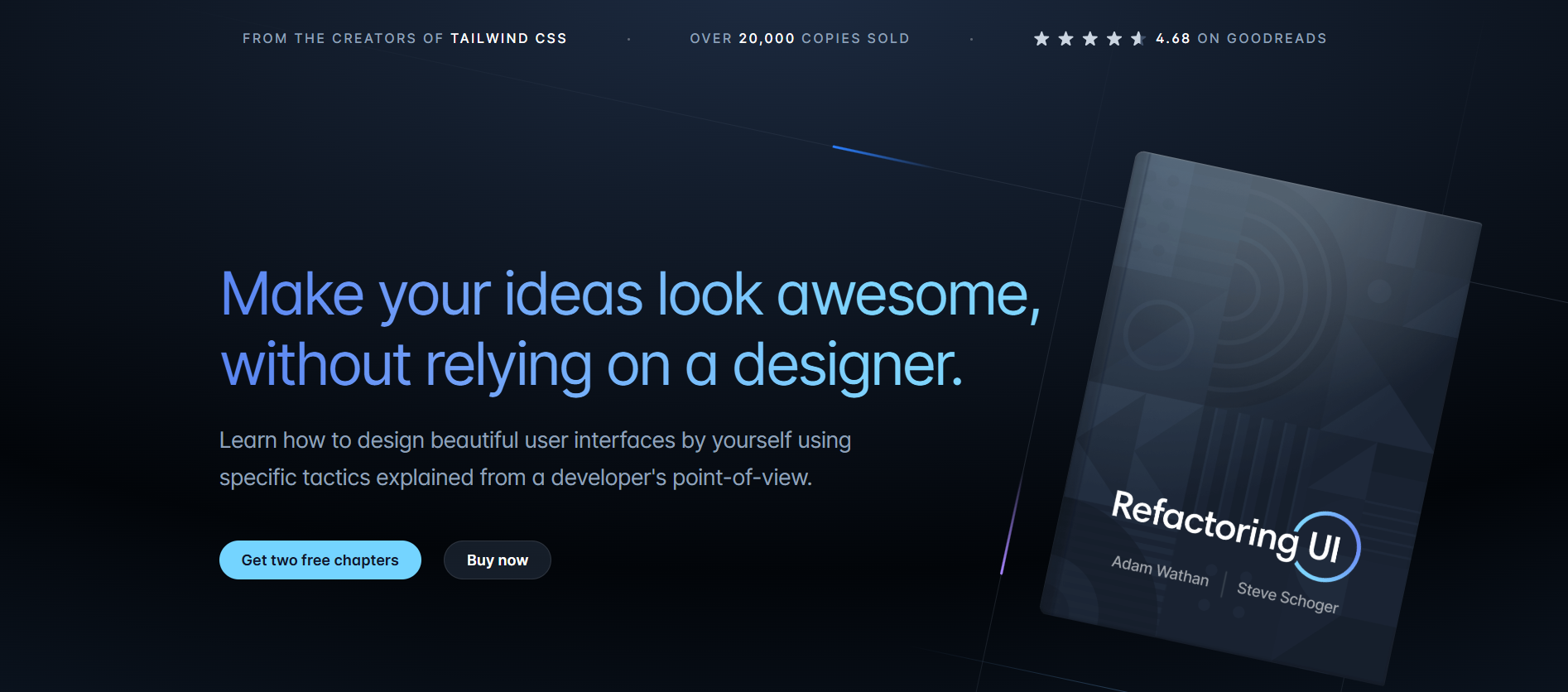
Quick Answer: Refactoring UI is a comprehensive design "survival kit" created specifically for people who are great at programming but struggle with visual aesthetics. Unlike traditional design courses that focus on abstract concepts like "color theory" or "typography history," Refactoring UI teaches through actionable, specific tactics. The core philosophy is "Design with tactics, not talent." It breaks down complex UI decisions into simple rules like using shadows instead of borders to create depth or establishing a spacing system to maintain consistency. The goal is to give you a developer's point-of-view on design, making the process as logical as writing clean code. If you are a solo founder or a developer who wants to "ship" ideas without being blocked by a design phase, Refactoring UI is a must-have. It pays for itself the moment you stop wasting hours second-guessing your font sizes or hex codes. It is, as many users say, the "survival kit" for the modern web industry.
Every developer has been there: you've built a robust, functional application, but it looks "amateur." You try to fix it by adding more borders or changing a hex code, only to make it feel more cluttered. According to HubSpot, 38% of people will stop engaging with a website if the content or layout is unattractive.
Enter Refactoring UI.
It's not just a book; it's a tactical framework designed to help logic-driven developers produce creative-grade designs. In this Refactoring UI review, we'll see if this "design for developers" blueprint is worth the investment or if you're better off just hiring a freelancer.
Refactoring UI is a comprehensive design "survival kit" created specifically for people who are great at programming but struggle with visual aesthetics. Unlike traditional design courses that focus on abstract concepts like "color theory" or "typography history," Refactoring UI teaches through actionable, specific tactics.
The core philosophy is "Design with tactics, not talent." It breaks down complex UI decisions into simple rules like using shadows instead of borders to create depth or establishing a spacing system to maintain consistency. The goal is to give you a developer's point-of-view on design, making the process as logical as writing clean code.
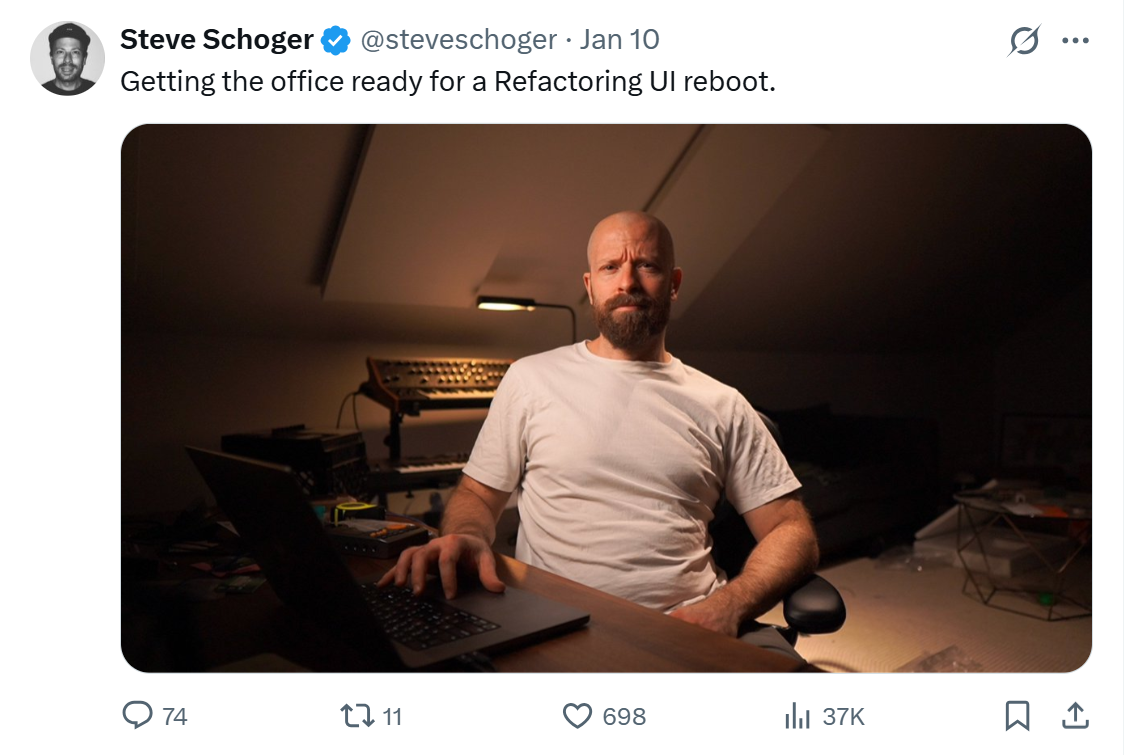
The authority behind Refactoring UI comes from the same duo that revolutionized modern web development with Tailwind CSS. Adam Wathan, a full-stack developer, and Steve Schoger, a world-class designer, teamed up to bridge the gap between their two worlds.
Adam's background as a developer who "used to suck at design" makes the content relatable, while Steve's "quick tips" (which famously went viral on Twitter) provide the professional polish. Their combined expertise ensures the advice is not only beautiful but also technically feasible to implement.
- Tactical Design Book: A 218-page PDF distilled into 50 incredibly visual chapters that cover everything from hierarchy and layout to working with color and images.
- Video Tutorials: Three in-depth screencasts where you watch an expert "refactor" a complex form interface, a data-focused dashboard, and a landing page in real-time.
- The Component Gallery: A resource featuring 20+ categories and over 200 individual component styles (buttons, cards, navbars) to serve as a high-fidelity inspiration board.

Refactoring UI is a one-time purchase with no recurring subscriptions, offered in two main tiers:
- The Essentials ($99): Includes the 218-page PDF book and the three video tutorials.
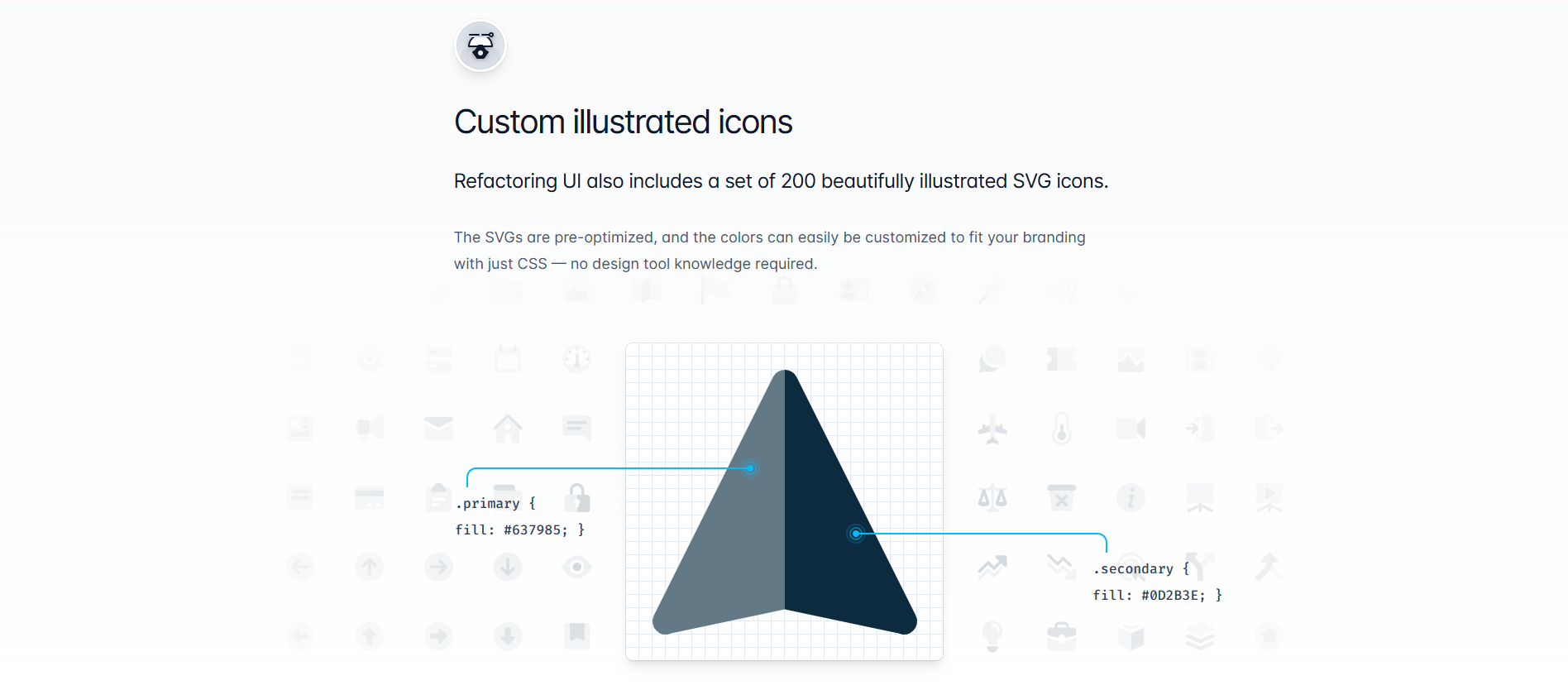
- The Complete Package ($149): Includes the book, videos, the full component gallery, handcrafted color palettes, font suggestions, and an exclusive library of 200 customizable SVG icons.
- Hello Web Design: A book by Tracy Osborn that covers similar ground but is geared more toward absolute beginners rather than specifically for developers.
- Design for Hackers: A classic resource by David Kadavy, though some of its tactical advice has aged compared to the modern, utility-first approach of Refactoring UI.
- UI Coach: A free generator for design challenges, though it lacks the instructional "why" provided by Schoger and Wathan.
If you are a solo founder or a developer who wants to "ship" ideas without being blocked by a design phase, Refactoring UI is a must-have. It pays for itself the moment you stop wasting hours second-guessing your font sizes or hex codes. It is, as many users say, the "survival kit" for the modern web industry.
Once you have used Refactoring UI to transform your app from "amateur" to "awesome," you will likely see a spike in conversions. A professional UI builds trust, and trust leads to more paying customers. However, as your SaaS scales, a new threat emerges that design can't fix: Revenue Fraud.
When your UI looks elite, you attract a higher volume of users, including "serial disputers" who sign up, use your software, and then file malicious chargebacks to get their money back.
If you are scaling a SaaS using the principles of Refactoring UI, you need 1Capture to protect the revenue that those designs help generate.
1Capture is a Stripe-partnered revenue recovery and fraud prevention tool that acts as your brand's financial shield. While Refactoring UI helps you win the customer, 1Capture ensures that your money stays in your bank account.

- 5-Minute Setup: Plugs directly into your existing Stripe account with no code required; you won't have to refactor a single line of your frontend.
- Blocks "Serial Disputers": Our global database identifies users with a history of fraudulent chargebacks and stops them before they can sign up for your trial.
- Smart Charge Technology: Our proprietary Smart Charge system uses pre-auth logic to ensure funds are legitimate, drastically reducing failed payments.
- 3.7x Revenue Growth: By preventing revenue leakage and automating the recovery of failed subscriptions, our users see an average growth of 3.7x in retained earnings.
Don't let payment fraud kill the momentum you've built with world-class design. Use Refactoring UI to build your dream, and visit 1Capture Pricing to keep it safe.
Learn more about revenue recovery on our blog.
Integrate 1Capture with your Stripe account in 5 minutes →