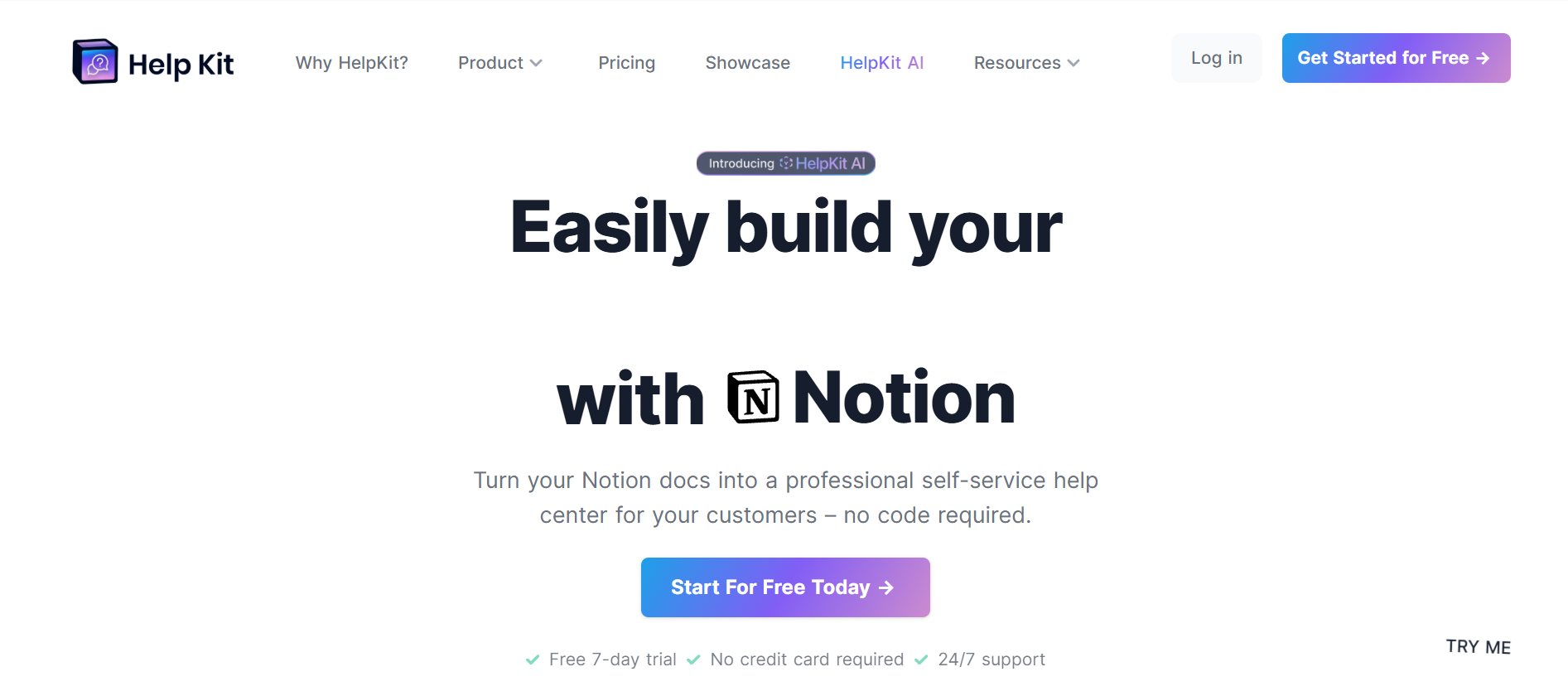
Quick Answer: HelpKit is a no-code SaaS tool that transforms your Notion workspace into a professional, SEO-optimized knowledge base. It syncs your Notion pages and serves them as a lightning-fast, customizable help center—up to 100x faster than native Notion pages. With features like embeddable widgets, AI-powered search, and custom branding, HelpKit is ideal for teams already using Notion who want to provide world-class customer support without learning a new CMS.
Writing documentation is a chore that most startup teams avoid until the support tickets become unmanageable. According to HubSpot, roughly 81% of customers attempt to solve their own problems before reaching out to a live representative. If your help articles are buried in a messy internal folder, you are losing users.
Enter HelpKit. This tool promises to take the "Notion-first" workflow many companies already use and transform it into a high-performance, customer-facing help center. In this HelpKit review, we look at whether it can actually replace traditional heavyweights like Zendesk or Intercom.
HelpKit is a no-code software-as-a-service (SaaS) that allows businesses to use Notion as their Content Management System (CMS) for a public-facing knowledge base. While Notion lets you "share to web," the native experience is often slow, lacks SEO optimization, and carries Notion branding.
HelpKit bridges this gap by syncing your Notion pages and serving them as a lightning-fast, customizable, and professional-looking website.
Trust is everything in SaaS. HelpKit was built by Dominik Sobe(@sobedominik), a founder who experienced the friction of existing help center tools firsthand. He wanted a way to expose his internal documentation to customers without leaving the Notion ecosystem.
Dominik's philosophy is "running by a human," focusing on high-quality design and a seamless user experience rather than corporate bloat.
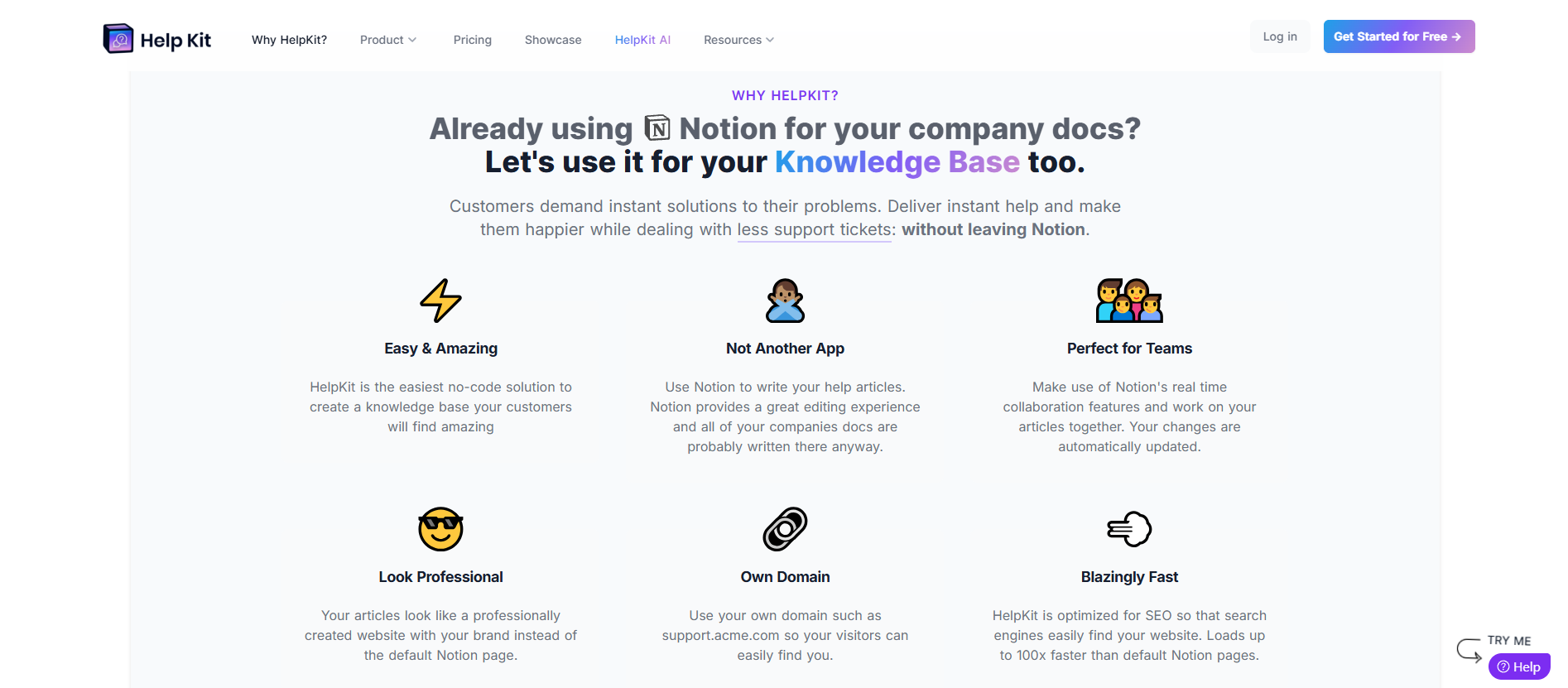
- Blazingly Fast SEO: One of the biggest complaints about native Notion pages is their load speed. HelpKit caches your data to serve pages up to 100x faster, which is a strong signal to Google's ranking algorithm.
- Embeddable Widget: You can install a help widget directly into your web or mobile app, allowing users to search your Notion-based docs without leaving your product.
- HelpKit AI: By leveraging semantic search, HelpKit AI acts as a 24/7 chatbot that answers customer questions using the source material from your articles.
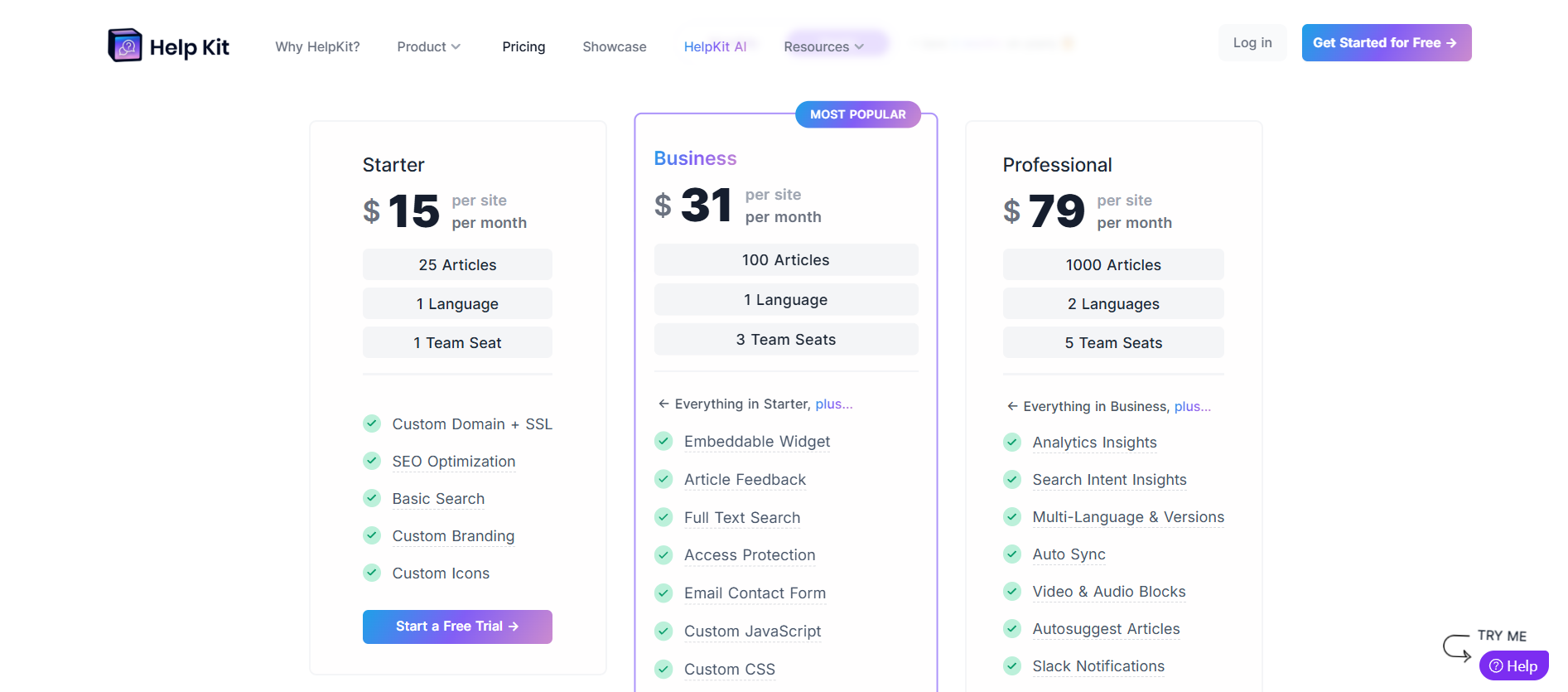
HelpKit follows a transparent, "per-site" pricing model, making it easy to predict costs as your documentation needs grow:
- Free Trial: A 7-day free trial is available with no credit card required to test the "Notion-to-knowledge-base" workflow.
- Starter Plan ($15/site/month): Best for small projects, offering 25 articles, one team seat, and core features like custom domains and SEO optimization.
- Business Plan ($31/site/month): Their most popular tier, scaling to 100 articles and three team seats. It introduces essential support tools, such as an embeddable widget, full-text search, and custom JS/CSS, for deeper branding.
- Professional Plan ($79/site/month): Designed for scaling companies, this plan supports 1,000 articles, five team seats, and advanced features such as multi-language support, search intent insights, and Slack notifications.
- Super.so: Primarily a tool for building general websites with Notion. While versatile, it lacks specific "help desk" features such as article feedback and support widgets.
- Zendesk Guide: The industry standard for large enterprises. However, the editing experience is clunky compared to Notion's block-based editor.
- Potion: Another Notion-to-site builder, but more focused on speed and SEO for blogs than support centers.
If your team is already living in Notion, HelpKit is a no-brainer. It saves your team from having to learn a new CMS while providing a world-class experience for your customers. It's professional, fast, and removes the "unprofessional" stigma of sharing raw Notion links.
Once you've optimized your customer support with HelpKit, your business will likely see a surge in retention and new trials. However, with growth comes new risks: revenue leakage and trial fraud.
Many SaaS founders find that as their "self-service" docs get better, their platform becomes a target for "serial disputers" users who sign up, consume value, and then hit you with a chargeback to get their money back.
This is where 1Capture comes in.
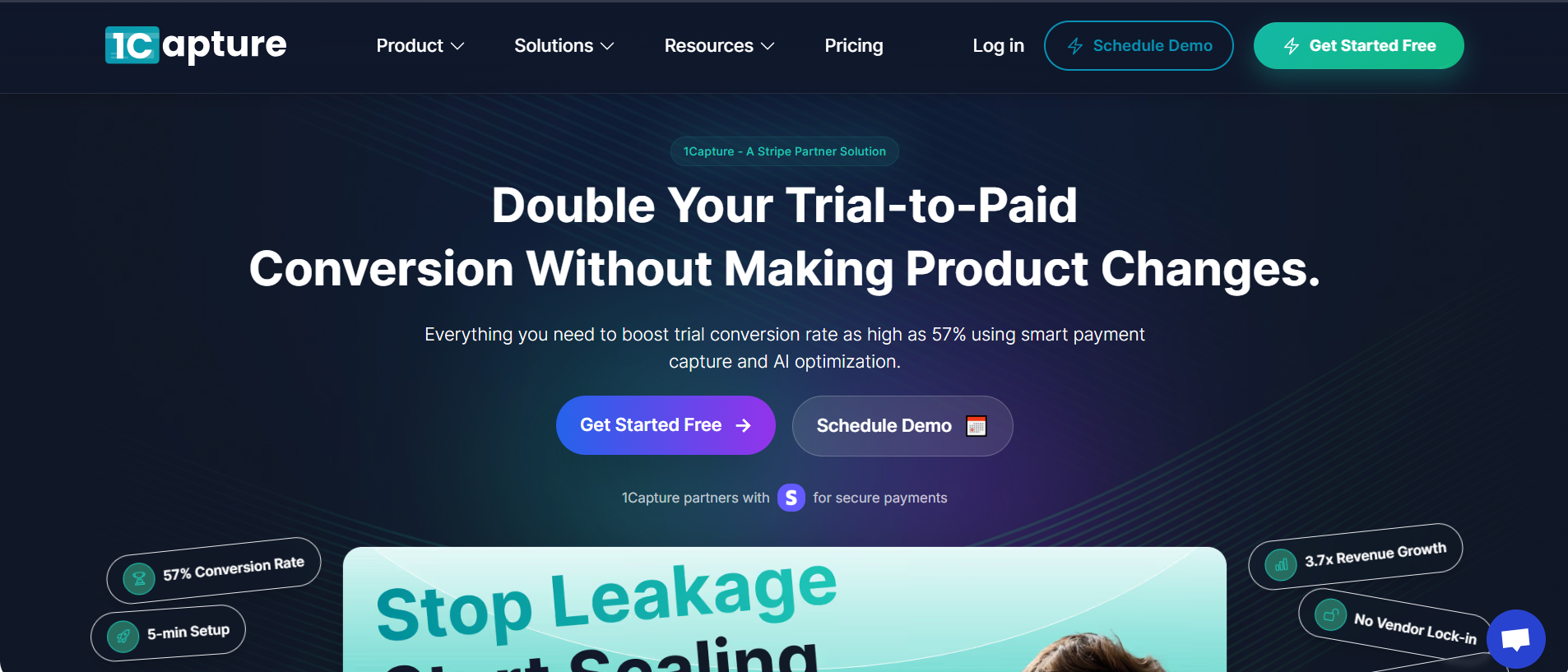
While HelpKit handles the front-end support, 1Capture handles the back-end security. As an official Stripe Partner, 1Capture is a revenue recovery and fraud prevention tool explicitly designed for modern SaaS stacks.
- Block Serial Disputers: Stop high-risk users from signing up before they can initiate a chargeback.
- Smart Charge Technology: Utilize pre-authorization to verify funds, ensuring you aren't hit with "insufficient funds" fees on renewals.
- 5-Minute Setup: Just like HelpKit, 1Capture is designed for speed. You can integrate it into your checkout flow in minutes.
- 3.7x Revenue Growth: By reducing churn and preventing fraudulent chargebacks, users have seen nearly 4x growth in recovered revenue.
Don't let bad actors undermine your hard work in customer support. Check out the 1Capture Blog to learn more about protecting your margins, or view our Smart Charge features to see how we automate revenue recovery.
Ready to stop losing money to trial fraud? See 1Capture Pricing here.